
Google Classroom will be used for classroom management, assignment submissions, announcements, and all other classroom activities
Students will login with their gmail accounts to the google classroom during class time
Step 1:
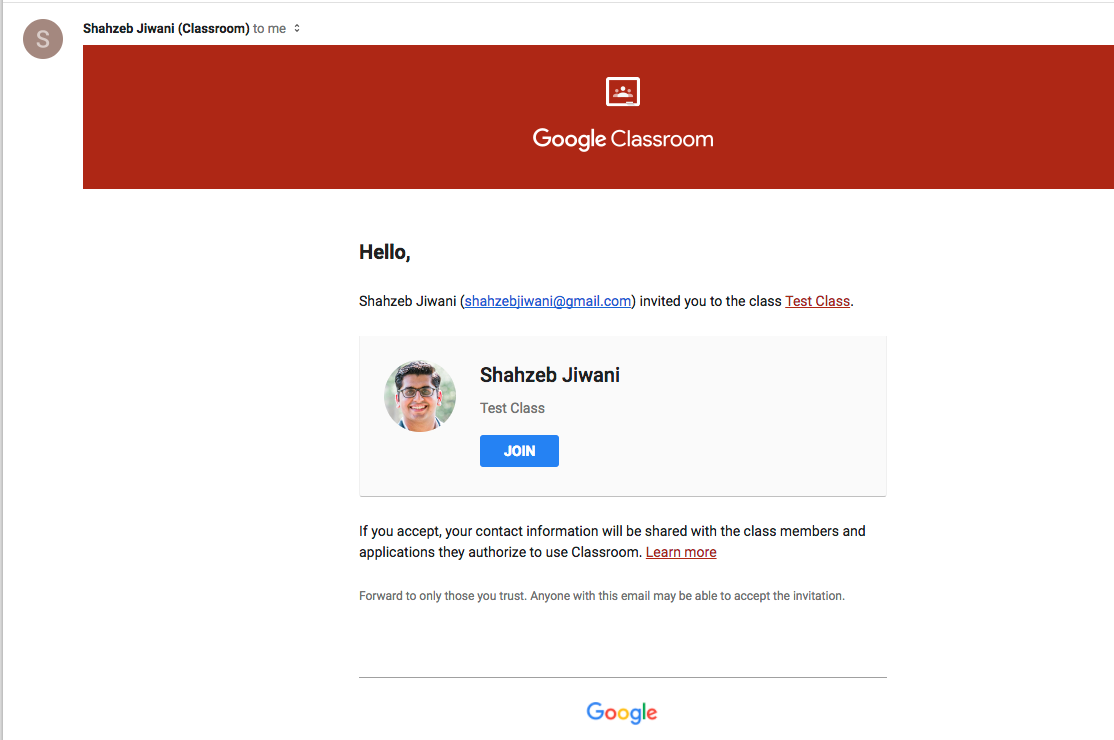
Join your class via the email received from the Teleconference REC support team members
Step 2:
When prompted from the email, click Join

When clicking join, it will take you into the Google Classroom home page.

Step 3:
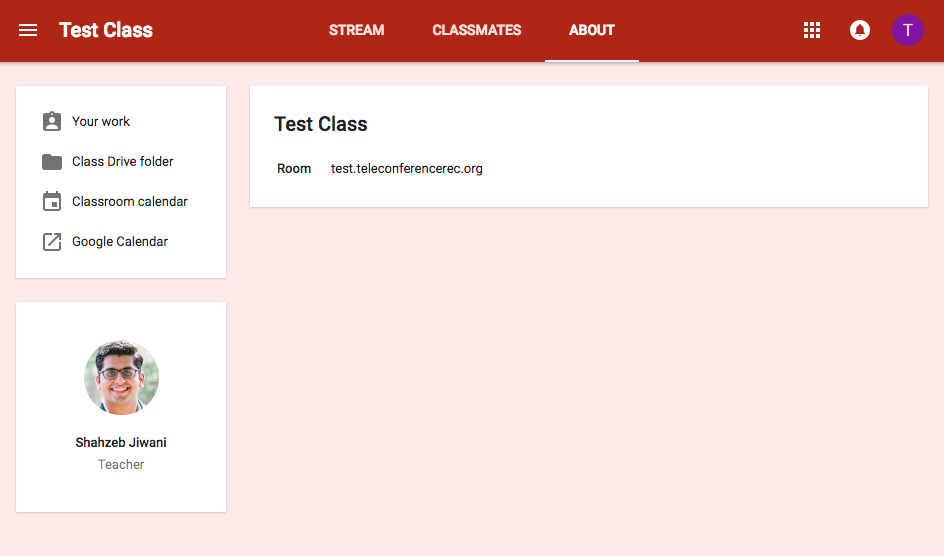
Check the about page for details on your class, including the link to your classes video conference
Step 4:
For all future logins, you can go to classroom.google.com or class.telerec.org and login with your gmail account